VP3 to EXP Converter: Free Online, No Sign-Up
VP3 is the format of Husqvarna Viking and Pfaff machines, the most complete one; EXP, a minimal format used by Bernina and Melco, carries only stitches. Convert VP3 to EXP for free, no sign-up: stitches, jumps and trims stay identical, with the thread order kept for assignment.
Drop your .VP3 file here
or click to browse your files
Convert to EXPYour files are only used to perform the conversion. Privacy policy
- No sign-up
- Instant design preview
- Files deleted immediately
- Processed on an EU server
How it works
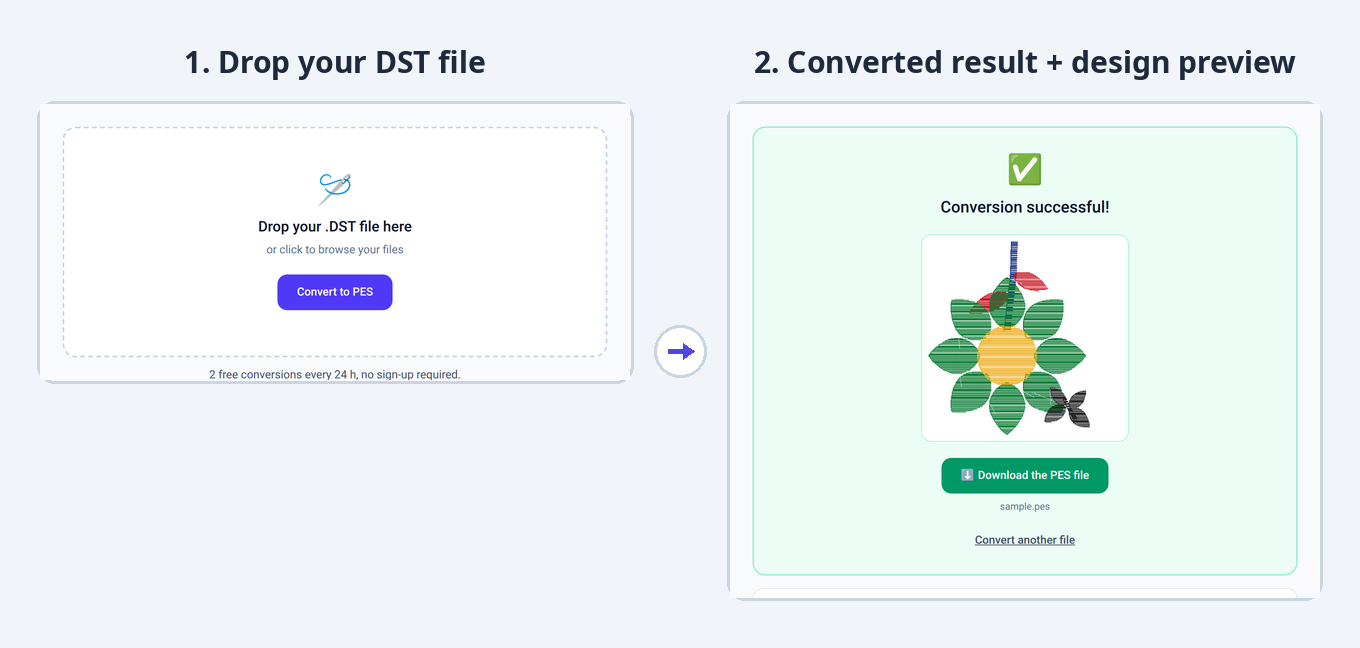
1. Drop your file
Drag and drop your VP3 file or select it from your computer.
2. The conversion starts
Your design is automatically converted to the EXP format, keeping all embroidery stitches.
3. Download the result
Instantly get your EXP file, ready to use on your embroidery machine.
Converter limits and specs
- Free conversions
- 2 free conversions every 24 h, no sign-up required.
- Maximum file size
- 10 MB
- Supported formats
- PES, DST, JEF, EXP, VP3 (input and output)
- Sign-up
- None for free use
- File storage
- None: deleted immediately after conversion
What changes in the VP3 to EXP conversion
EXP receives the exact stitch sequence of your VP3 design, without its thread table or notes: a minimal format, perfect for Bernina and Melco machines.
- The VP3 thread table and notes are not transferred: EXP only contains the stitch sequence and stops.
- The thread-change order is preserved: follow it when assigning your threads.
- No name or dimensions are embedded in the EXP file.
- The embroidery itself stays strictly identical.
VP3 or EXP: what are the differences?
| VP3 .vp3 | EXP .exp | |
|---|---|---|
| Typical use | Home embroidery | Home (Bernina) and industrial (Melco) |
| Machines concerned | Husqvarna Viking, Pfaff | Bernina, Melco |
| Colors | Full thread table (brand, code), up to 255 colors | No palette: thread-change stops only |
| Metadata | Digitizing notes, thread table, dimensions | No rich metadata (stitch sequence only) |
| How to open it | With Husqvarna 6D/Premier+ or Pfaff 6D software | With the free Bernina ArtLink or Melco software |
Understanding the VP3 and EXP formats
VP3 .vp3 · as a source file
VP3 is the most complete source: a thread table (brand, code, tint), digitizing notes, dimensions and hoop position. Toward a rich format, everything transfers; toward a flat format (DST, EXP), only the geometry passes and the thread table flattens into thread-change commands.
- BrandsHusqvarna Viking, Pfaff
- ColorsThread table (brand, code), up to 255 colors
- MetadataDigitizing notes, position within the hoop
- DimensionsMillimeters, stored at the end of the file
- SoftwareHusqvarna 6D/Premier+, Pfaff 6D
EXP .exp · as an output file
As a target, EXP serves Bernina and Melco machines: a minimal file with no ambiguity about geometry. Since no metadata is embedded, dimensions are not stored and colors remain to be assigned on the machine, in the section order inherited from the source.
- BrandsBernina (home), Melco (industrial)
- HeaderNone: the file starts directly with the stitches
- ColorsNo palette: thread-change stops
- EncodingSame as DST (3 bytes), without a header
- MetadataNone (no name, no dimensions)
Machine compatibility and dimensions
EXP keeps neither dimensions nor position: the Bernina or Melco machine recomputes the footprint from the stitches, in the same unit. The embroidery stays true to the millimeter, but note the dimensions shown by your original VP3 if you want them at a glance.
Other conversions from the VP3 format
Frequently asked questions
How do I convert a VP3 file to EXP?
Drop your .vp3 file in the conversion area above: the conversion to EXP is automatic. All that is left is to download the converted file.
VP3 to EXP: how do I keep track of my colors?
Keep the VP3 as your reference file: the converted EXP follows the same section order, but without tints. A VP3 preview (or a capture of the thread order) is enough to assign the right threads on the machine.
How do I open a VP3 or EXP file?
VP3 files open with Husqvarna 6D/Premier+ or Pfaff 6D software; EXP files open with the free Bernina ArtLink or Melco software. You can also convert VP3 to EXP online for free with StitchConverter.
Is the VP3 to EXP conversion free?
Yes. StitchConverter offers 2 free conversions every 24 h, with no sign-up. For unlimited use, go Premium (€1 per 24 h or €5 per month).
Do I need an account to convert a file?
No, no sign-up is required for free use. A Premium account is created automatically when you purchase, and you are identified by e-mail.